Background Remover
Subject-aware AI handles wispy hair, transparent textiles, and complex edges in a single click. Export PNG with clean transparency.
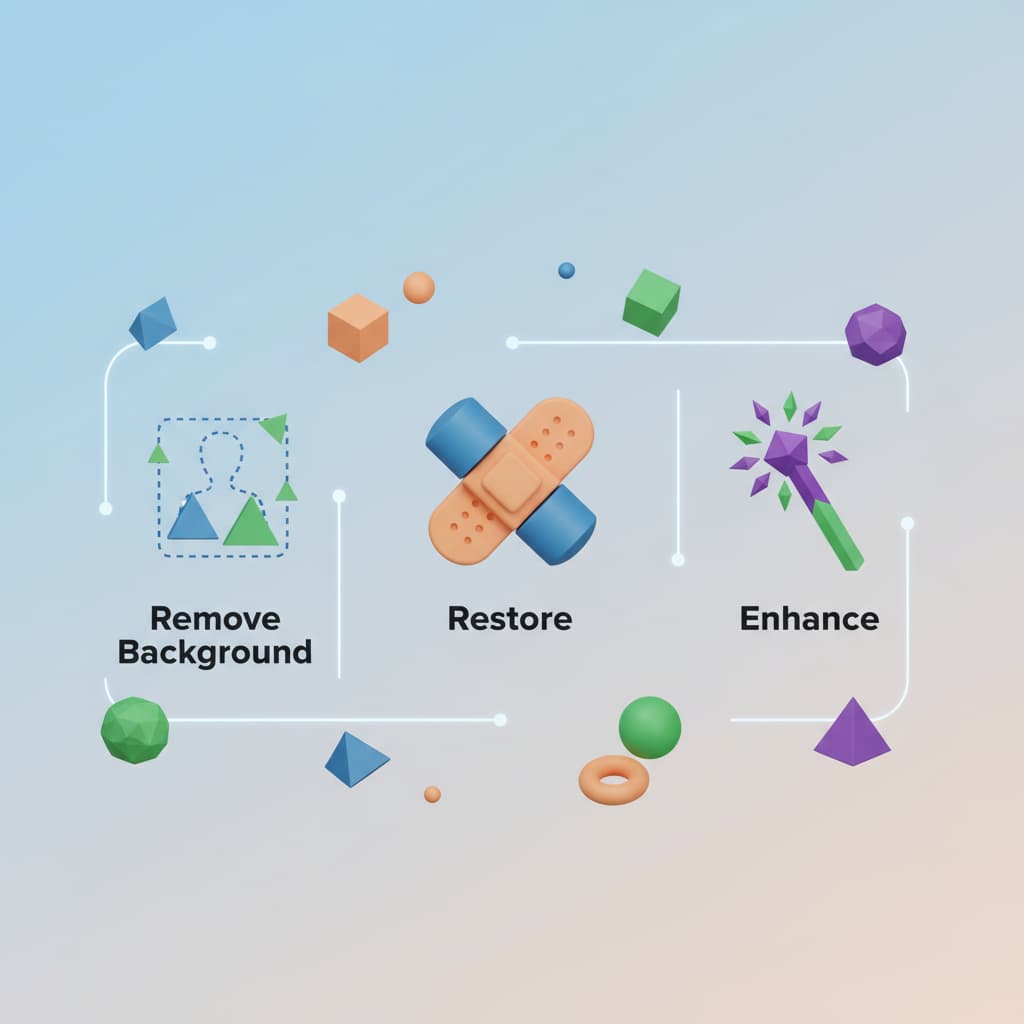
ImageMint bundles the four photo tools creators reach for every day — background removal, restoration, upscaling, and enhancement — into one studio that runs entirely in your browser.
Pick a tool, drop an image, get the result. The same workflow whether you are cutting out a model or repairing a 1990s family album.
Subject-aware AI handles wispy hair, transparent textiles, and complex edges in a single click. Export PNG with clean transparency.
Reverse decades of blur, scratches, and color drift. Deep-learning models rebuild detail without inventing it.


Free trials on every tool, no card required to start. Upgrade only when you actually need volume.
Drag a photo in, or paste a URL. JPG, PNG, and WEBP up to 20MB.
AI runs server-side in seconds. Track progress live, no page refresh.
One-click export at original resolution. No watermarks, no email gate.
What designers, photographers, and agencies are doing with ImageMint.
Digital Artist · Madrid
The cutout tool nails wispy hair on the first try. I used to budget 20 minutes per portrait — now it is 30 seconds.
Wedding Photographer
I restored 200 photos for a client's 50th anniversary book in one afternoon. Zero retouching afterward.
Creative Director · Atlas Agency
We replaced three pieces of paid software with ImageMint. Our turnaround on hero imagery dropped from a day to an hour.
Free to try. No card. No watermarks. Upgrade only when you need volume.
Start Free